
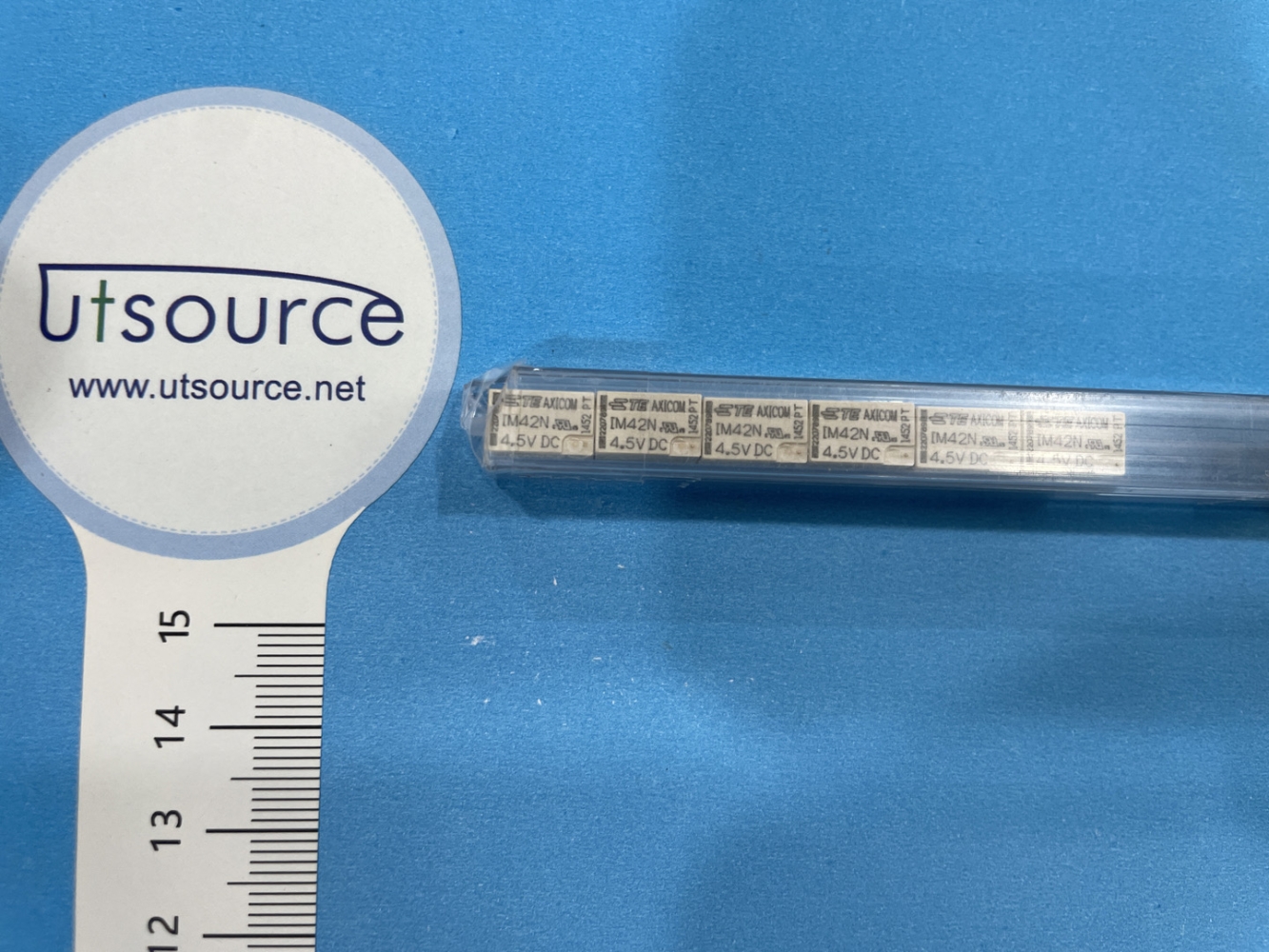
Details
BUY IM42N-4.5VDC https://www.utsource.net/itm/p/12596262.html
| Parameter | Symbol | Min | Typical | Max | Unit |
|---|---|---|---|---|---|
| Operating Voltage | Vop | - | 4.5 | - | VDC |
| Operating Current | Iop | - | 10 | - | mA |
| Resistance | R | - | 450 | - | 惟 |
| Power Consumption | P | - | 45 | - | mW |
| Operating Temperature | Toper | -40 | - | 85 | 掳C |
| Storage Temperature | Tstg | -40 | - | 125 | 掳C |
| Insulation Resistance | Rins | - | 100 | - | M惟 |
| Dielectric Withstand | Vdw | - | 500 | - | VAC |
Instructions for IM42N-4.5VDC
Installation:
- Ensure that the operating voltage is set to 4.5VDC.
- Connect the positive terminal of the power supply to the positive terminal of the component.
- Connect the negative terminal of the power supply to the negative terminal of the component.
Operating Conditions:
- The component should be operated within the temperature range of -40掳C to 85掳C.
- Avoid exposing the component to temperatures outside this range to prevent damage.
Handling:
- Handle the component with care to avoid physical damage.
- Use appropriate ESD (Electrostatic Discharge) precautions to prevent damage from static electricity.
Testing:
- Before installing the component, test it using a multimeter to ensure it meets the specified resistance and insulation resistance values.
- Test the dielectric withstand voltage to ensure it can handle the specified voltage without breakdown.
Storage:
- Store the component in a dry, cool place within the temperature range of -40掳C to 125掳C.
- Keep the component away from direct sunlight and sources of heat.
Maintenance:
- Regularly inspect the component for signs of wear or damage.
- If any issues are detected, replace the component to ensure reliable operation.
Disposal:
- Follow local regulations for the disposal of electronic components.
- Do not dispose of the component in household waste; instead, use designated recycling facilities.
View more about IM42N-4.5VDC on main site