
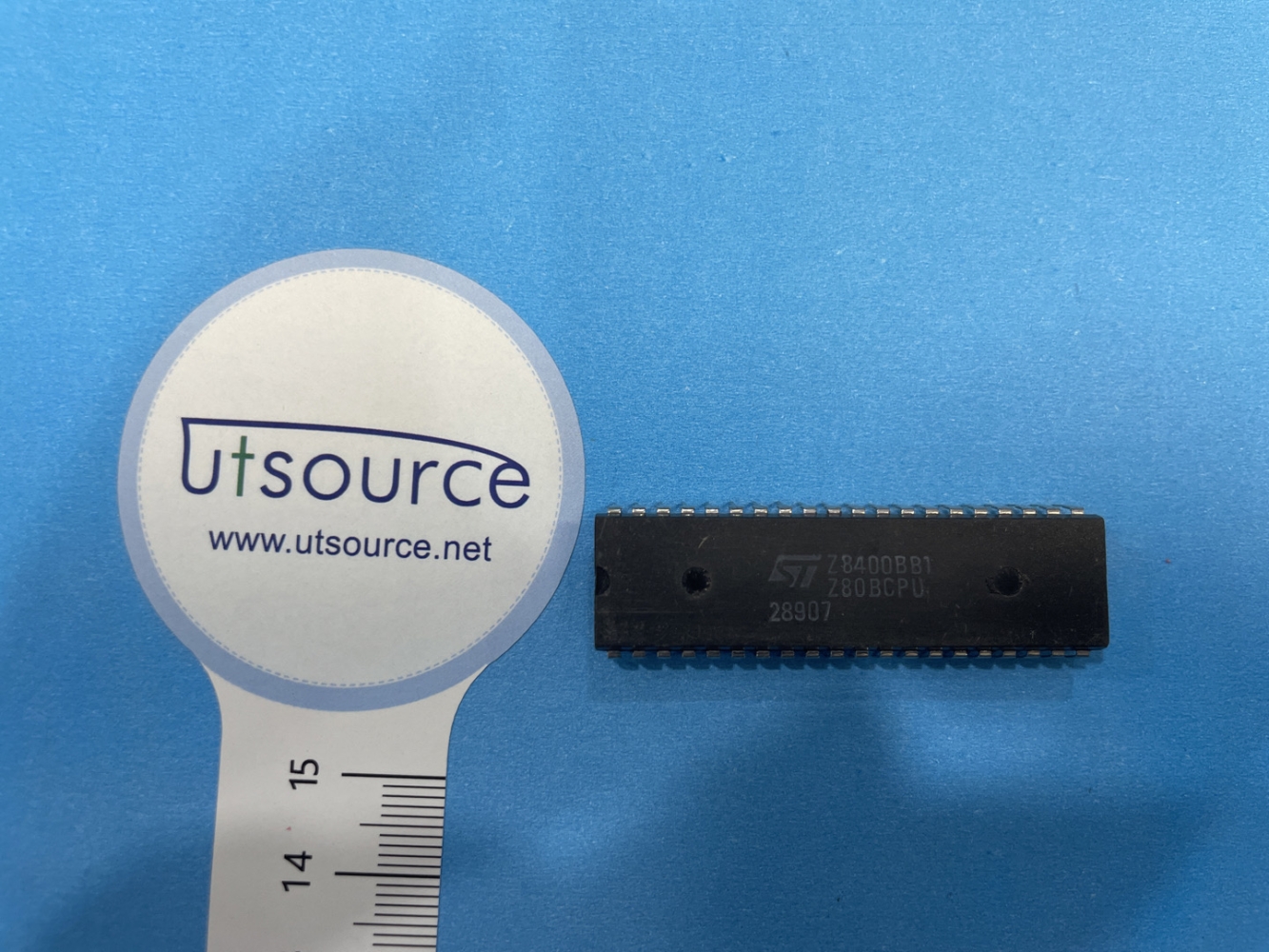
Details
BUY Z8400BB1 /Z80BCPU https://www.utsource.net/itm/p/12597881.html
| Parameter | Description | Value/Range |
|---|---|---|
| Part Number | Part number of the device | Z8400BB1 / Z80BCPU |
| Function | Microprocessor | 8-bit CPU |
| Clock Frequency | Operating frequency of the CPU | 2.0 MHz to 4.0 MHz |
| Supply Voltage | Range of supply voltage | 5V 卤 10% |
| Operating Temperature | Temperature range for operation | -40掳C to +85掳C |
| I/O Ports | Number of input/output ports | 64 (including address lines) |
| Address Lines | Number of address lines | 16 |
| Data Lines | Number of data lines | 8 |
| Instruction Set | Type of instruction set architecture | Z80 |
| Package Type | Type of package | DIP-40 |
| Pin Count | Number of pins | 40 |
| Power Consumption | Maximum power consumption | 300 mW at 4 MHz |
Instructions
Power Supply:
- Connect the Vcc pin to +5V and the GND pin to ground.
- Ensure the supply voltage is within the specified range of 5V 卤 10%.
Clock Input:
- Connect an external clock source to the CLK pin.
- The clock frequency should be within the range of 2.0 MHz to 4.0 MHz.
Reset:
- Apply a reset signal to the RESET pin to initialize the CPU.
- The reset signal should be held high for at least 2 clock cycles.
Address and Data Buses:
- Connect the address lines (A0-A15) to the memory or I/O devices.
- Connect the data lines (D0-D7) to the memory or I/O devices.
Control Signals:
- MREQ (Memory Request): Active low, indicates a memory access.
- IORQ (I/O Request): Active low, indicates an I/O access.
- RD (Read): Active low, indicates a read operation.
- WR (Write): Active low, indicates a write operation.
Interrupts:
- INT (Interrupt Request): Active low, used to request an interrupt.
- NMI (Non-Maskable Interrupt): Active low, used for non-maskable interrupts.
Program Execution:
- Load the program into memory and ensure the CPU starts executing from the correct address.
- Use the appropriate instructions to control the flow of the program.
Testing:
- Verify the operation of the CPU by running a simple test program.
- Monitor the signals on the address and data buses to ensure correct operation.
Heat Dissipation:
- If operating at higher frequencies or under heavy load, consider using a heatsink or providing adequate ventilation.
Storage:
- Store the device in a dry, cool place to prevent damage from moisture and static electricity.
For detailed programming and advanced features, refer to the Z80 microprocessor datasheet and user manual.
(For reference only)View more about Z8400BB1 /Z80BCPU on main site