
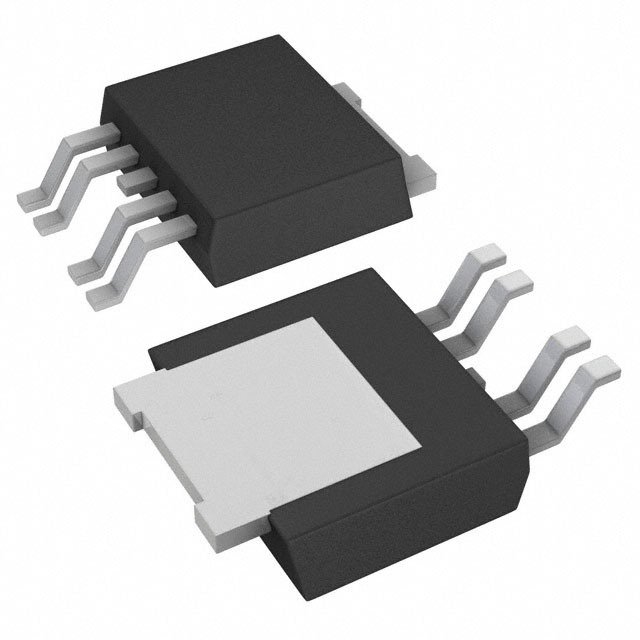
Details
BUY BTS5014SDAAUMA1 https://www.utsource.net/itm/p/12611999.html
| Parameter | Symbol | Conditions | Min | Typ | Max | Unit |
|---|---|---|---|---|---|---|
| Continuous Drain Current | ID | Tch = 25掳C | - | 40 | - | A |
| Tch = 100掳C | - | 28 | - | A | ||
| Peak Pulse Drain Current | IPP | Tch = 25掳C, t=10ms | - | 60 | - | A |
| Tch = 100掳C, t=10ms | - | 37 | - | A | ||
| Gate Source Voltage | VGS(th) | IGSS = 卤250渭A | 1.1 | 1.8 | 2.5 | V |
| On-State Resistance | RDS(on) | VGS = 10V, ID = 40A | - | 4.4 | - | m惟 |
| VGS = 4.5V, ID = 28A | - | 5.5 | - | m惟 | ||
| Input Capacitance | Ciss | VDS = 12V, f = 1MHz | - | 2200 | - | pF |
| Output Capacitance | Coss | VDS = 12V, f = 1MHz | - | 95 | - | pF |
| Reverse Transfer Capacitance | Crss | VDS = 12V, f = 1MHz | - | 2100 | - | pF |
| Total Power Dissipation | PTOT | Ta = 25掳C | - | - | 200 | W |
Instructions for BTS5014SDAAUMA1:
Installation and Handling:
- Handle the device with care to avoid damage to the pins.
- Ensure that the device is mounted on a suitable heatsink if operating at high current or power levels.
Electrical Connections:
- Connect the drain (D) terminal to the load or high side of the circuit.
- Connect the source (S) terminal to the ground or low side of the circuit.
- Apply the gate (G) voltage relative to the source to control the switching action.
Operating Conditions:
- Do not exceed the maximum ratings provided in the parameter table.
- Ensure that the junction temperature does not exceed the maximum allowable limit.
- For reliable operation, keep the gate-source voltage within the specified limits.
Thermal Considerations:
- Monitor the thermal resistance and ensure adequate cooling if necessary.
- Use thermal management techniques such as heatsinks or forced air cooling for high-power applications.
Testing and Troubleshooting:
- Verify the correct installation and connections before applying power.
- Test the device under controlled conditions initially to confirm proper operation.
- If issues arise, check for shorts or open circuits, and verify all connections and power supplies.
View more about BTS5014SDAAUMA1 on main site